My interest in pixel-level fiddling disappeared years ago, because I'd done so much of it at one point that it stopped giving me anything. I've also never built a design system manually myself, even though I understand the principles. I'm more of a paint-with-a-big-brush type, and token and component layers have never really interested me.
But thanks to Claude and the Figma MCP, Claude builds the tokens for me, both primitives and semantic ones, checks accessibility requirements (mandatory legal requirement in EU for many sectors) and tunes everything to match. Builds the components and then the patterns out of them in a flash. Coding the components happens with a snap of the fingers too, and so does documenting the whole design system. Is it handy? It is! And if I happen to want something in a different color, I just go change it, and thanks to the tokens, the change was done before you could say "cat."
What a design system actually is
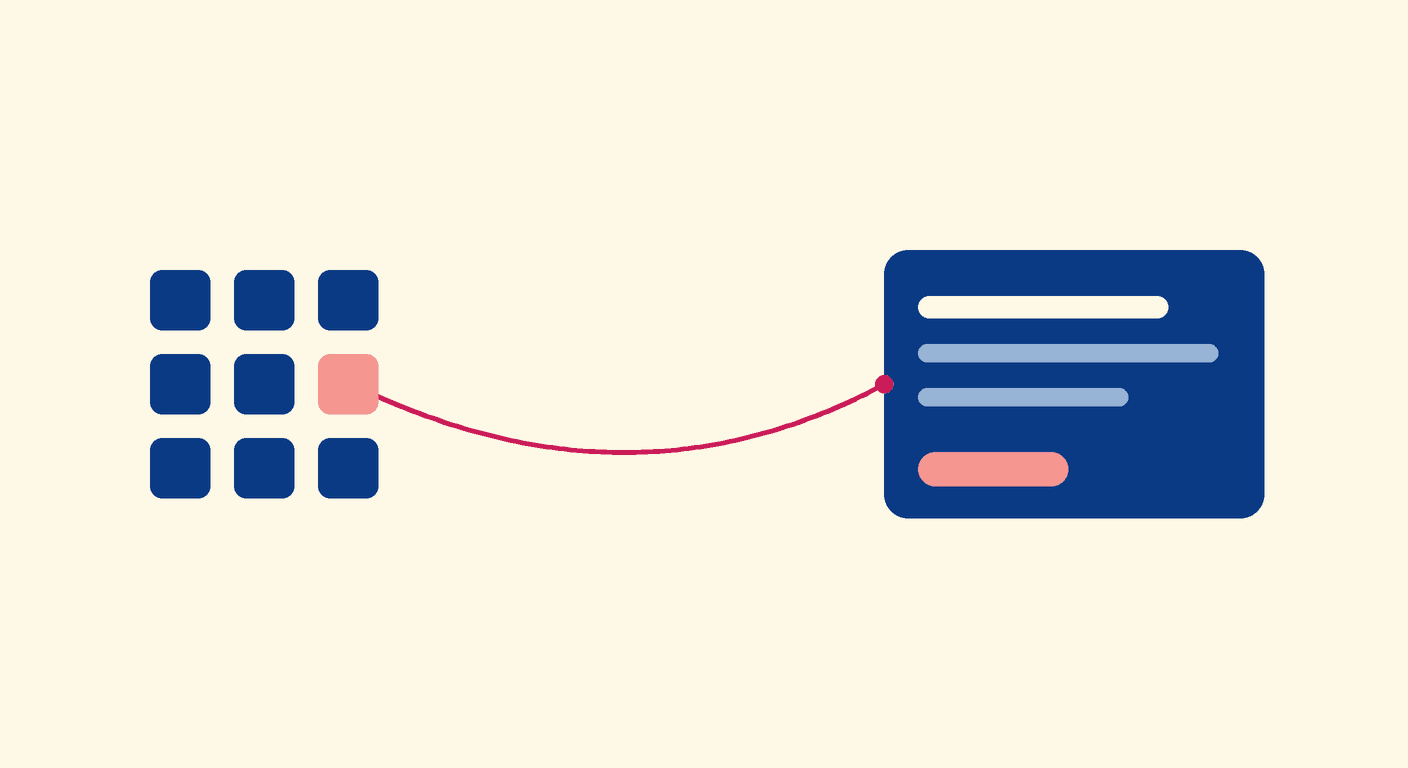
The demo brand is now built for a Piggy Bank mobile bank, since the finance side is so familiar to me and I've designed a certain player's mobile bank back in the day. All of the components have auto-layouts and are fully editable also manually in Figma. And if you're not familiar with design systems: think of them as the single source of truth for how a product looks and behaves. A shared library of tokens (colors, spacing, type), components (buttons, inputs, cards etc.) and patterns (how those components combine) so every team builds from the same building blocks instead of reinventing the wheel. For product development that means speed, consistency and quality at scale: designers and developers speak the same language, accessibility is baked in from the start, and a single change ripples everywhere instantly. Less pixel-fiddling, more shipping.
To put some numbers on the Piggy Bank build: seven colour ramps, eleven steps each, seventy-eight primitive variables, and about thirty-six semantic tokens on top, the aliases the components actually reference. Sixteen components as proper variant sets, from buttons and tags up to the balance hero and the bottom sheet. The icons are real Lucide vectors, not grey placeholder boxes. And I did not draw a single rectangle by hand.
The part that didn't go smoothly
This is the part most write-ups skip, so I won't. Letting AI drive Figma through the MCP isn't magic, and the first runs taught me a few things the hard way.
The big one: a large build sent to Figma in one go just dies. It hits a firewall somewhere and comes back as a wall of nothing. The fix is unglamorous. You chop the build into small pieces and send them one at a time. Slower to orchestrate, but it finishes.
Auto layout had its own trap. Set a placeholder height with a normal resize call and that height locks, and then the hug-your-content setting won't override it. Cards flatten, text spills out the bottom, the whole thing looks broken. The trick is to resize without constraints and set the hug behaviour last, as a kind of insurance. Small thing, hours of confusion before I caught it.
Reading state back out of Figma is fussier than you'd expect too. The tool that returns variable definitions only reads against the node you have selected, not the loose variables sitting in a collection. So you point it at the right thing or it tells you there's nothing there.
None of this is a reason not to do it. But anyone who tells you AI builds a clean design system on the first prompt is selling something. It took iteration, and knowing what good looks like so I could tell when it had drifted.
Accessibility isn't a final check
Claude checks the accessibility for me, and that part should be automated. In the EU it isn't optional for a lot of sectors anyway. The system is set up so a bad colour combination is impossible to pick in the first place: semantic text tokens only ever point to accessibility-safe primitives, on a two-track model where vivid colour sits on fills like buttons and icon tiles, and a slightly deeper step carries any coloured text so it clears the contrast bar.
Why this isn't really about design systems
Strip away the Figma specifics and here is what actually happened. The slow, mechanical layers, the tokens, the components, the documentation, the things that used to eat even years from an entire team in a big corporation, became the parts I delegate. And it was usually out of sync on top of that. A component existed in Figma and the designer could already use it, but nobody had coded it yet, so every time it came up there was the same deliberation: how do we actually build this now, or do we just make the component while we're already in there building some feature? Here it's one system. Figma and code generated together, from the same tokens. And I stayed where twenty years of background is actually useful: the brand call, the trade-off, deciding what good looks like.
That is the shift I keep noticing as AI moves into real product work. The bottleneck was never the building. I wrote about that in the bottleneck isn't building, it's deciding, and a design system turns out to be a clean little proof of it. When generation gets cheap, the scarce thing is judgment, not output.
It changes who does what, too. You don't necessarily need a bigger team or a separate specialist for the foundation. You need someone who can direct the build and catch it when it drifts, which is a different skill from drawing the components yourself. It's the same pattern I see across what most product teams don't see right now, and part of the wider question of whether AI gets used to shrink or to grow.
I didn't draw a single rectangle. I made every decision that mattered.
Why so few teams do this yet
Here is the strange part. Putting Claude and the Figma MCP together like this is genuinely easy, and still very few people do it to the full. Some of it is tooling: a lot of organisations don't have modern tools like Claude Code in use, and without something that actually works, you can't get here. Some of it is that nobody has tried, so they don't know it's even possible. And some of it is plain change resistance.
Where I've landed for now is a split. Figma still earns its place for finding a style and testing a few directions against each other. But basic interaction design is much faster to do straight in Claude Code, because you get the working code at the same time. And when I do want to shape something by hand, Claude builds the auto-layouts for the components and the views, and those are easy to keep editing in Figma afterwards.
If you want your team to learn this hands-on, how to scope it, where Claude does the work, and where judgment takes over, that is exactly what the Build & Coach package is for: we build a real thing together and the capability stays with your team. Get in touch, reaching out doesn't commit you to anything.
I'm Jenni. Most strategies stay vague, and most AI starts from the tech. I start from where the business actually makes money: mapping where it grows or leaks, designing how it should run, scoring what's worth building, and building the working tools that make it real. Founder of Digital Rebel, a Transformation Studio.